cnfanssheet.com
Represent Tee: Verify Color Variants and Size Chart Mismatch
If the same [Represent](https://fashion-reps.net/brand/represent) Angel graphic tee offers multiple colors, graphics, and sizes, the most common issue isn't a broken page, but whether the main product image, variant options, and size information can be confirmed to belong to the same version. When verifying, record the color, graphic, size, and product details separately; if even one item doesn't match, don't place an order. 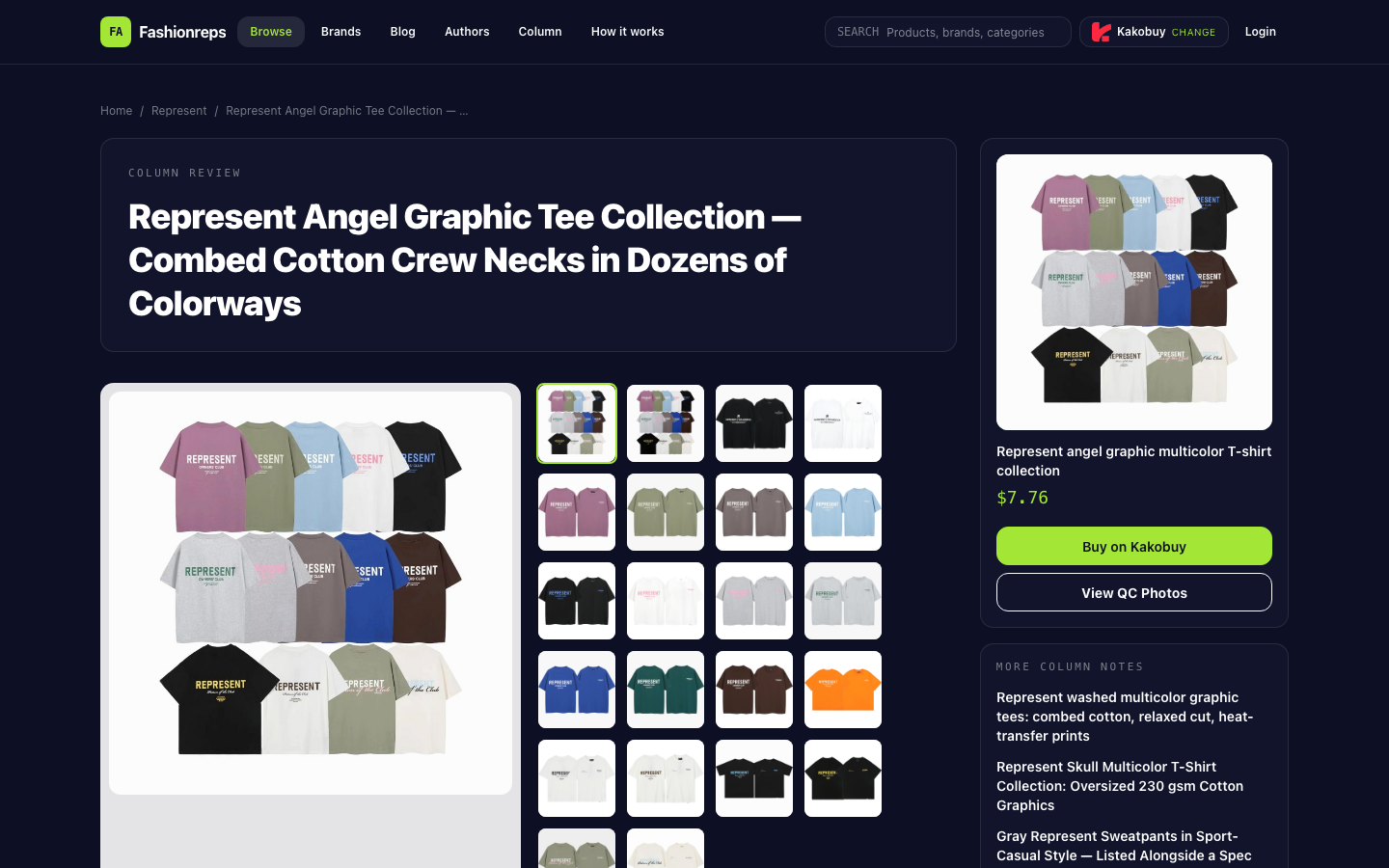
Editor score 4.2 / 5
If the same Represent Angel graphic tee offers multiple colors, graphics, and sizes, the most common issue isn't a broken page, but whether the main product image, variant options, and size information can be confirmed to belong to the same version. When verifying, record the color, graphic, size, and product details separately; if even one item doesn't match, don't place an order.

First, Confirm What the Product Page Says
The product details describe it as a combed cotton crew-neck short-sleeve T-shirt, with a listed fabric weight range of 180–250gsm, a relaxed fit, and a size field covering S–XL. The page also states there are multiple color and graphic variants, but whether all these variants correspond to the same size data needs to be checked item by item; you can't judge solely by the main image.
Product information can be recorded in four categories:
- Fabric: Combed cotton.
- Weight: 180–250gsm.
- Fit: Relaxed, crew neck, short sleeves.
- Size field: S, M, L, XL.
These details only describe the overall product listing and don't prove that every color or graphic has exactly the same physical dimensions and print placement.
Check Each Color and Graphic Variant One by One
First, record every color or graphic name shown on the page; don't just write general terms like "black" or "white." If the page uses names with graphic, wash, or colorway distinctions, keep them complete, because similar colors may correspond to different print versions.
Second, after clicking a color or graphic option, observe whether the following change synchronously:
- Does the main product image switch to the corresponding version?
- Does the variant name still match the color and graphic in the image?
- Do the size options still show S–XL?
- After switching variants, do the product title, fabric, weight, and fit description change abnormally?
Third, compare the variant names displayed on the page with the graphic description in the product details. If a color option only changes the thumbnail but has no clear variant name, or if switching colors still shows the same indistinguishable image, mark that option as "to confirm" rather than guessing.
Separate Page Size Info from Community Opinions
The page size field shows S–XL, but the source material doesn't provide specific length, chest, shoulder, or sleeve measurements for each size. Therefore, you can't infer actual measurements just from S–XL, nor can you assume all color versions are exactly the same size.
In public discussions, some buyers think Represent tees run loose overall, and some who normally wear M choose S; but other buyers report the fit is tight after sizing down. These opinions are only fit hints and can't replace the current product page's size chart, nor prove size data for a specific color.
When verifying, it's recommended to keep a simple record:
| Check Item | What the Page Should Provide | Action if It Doesn't Match |
|---|---|---|
| Color or graphic | Clear variant name and corresponding image | Mark as to confirm; don't guess from main image |
| Size | Size field and specific measurements for current variant | Ask seller for that variant's size chart |
| Product details | Basic description like fabric, weight, fit | Check if it changes abnormally after switching variants |
| Purchase link | Variant still identifiable after selection | Don't order using a link that can't confirm the variant |
Verification Order After Finding Inconsistencies
First, reload the product page and select color, graphic, and size sequentially on the same page. Don't jump between similar links and piece together information yourself, because different links may correspond to different batches, graphics, or suppliers.
Then record the page state after selecting the specific variant, at least the color name, graphic name, size options, and main product image. If the page provides QC reference images for that style, also confirm whether the images clearly label that color or graphic; without clear labeling, treat them only as reference, not as proof of that variant's actual item.
Next, lay flat a T-shirt you often wear and measure it, then compare with the seller's specific size chart. Community descriptions of loose or tight fit vary, and measuring is more reliable than blanket advice like "size up one" or "size down one."
Finally, ask the seller three things via the product page or your shopping agent's customer service: whether the current color and graphic are actually in stock, whether that variant uses the S–XL sizes listed on the page, and the specific measurements like length and chest for that variant. The page shows a reference price of $7.76, but the final item price, service fees, and international shipping must be confirmed on the shopping agent's page; you can't estimate total cost from the reference price.
When to Stop Ordering
Stop the process if any of the following occurs:
- The color option, main image, and graphic name can't be matched.
- After selecting a color, the size field disappears or changes to a different size set.
- The page only shows S–XL, without specific measurements for the current variant.
- The seller can't confirm whether the selected color or graphic actually exists.
- QC images don't indicate the corresponding variant, and the page has no other verifiable information.
- The purchase link won't open reliably, or the selected variant isn't retained after redirect.
Until this information is filled in, don't treat community "runs loose" experience as a definite size, and don't assume sizes and prints are identical just because multiple colors share one product title. The page explicitly mentions the cracked Angel print may fade or wear over time, so if you need the graphic to remain pristine long-term, also factor that limitation into your decision before ordering.
Conclusion
When verifying this Represent graphic tee, the key isn't whether the page lists many colors, but confirming each color or graphic has a closed loop with its image, size field, and specific measurements. Current information confirms the product overall is 180–250gsm combed cotton, relaxed crew-neck short-sleeve, with sizes S–XL; but there's insufficient item-by-item evidence linking color variants to specific measurements.
Therefore, the safest order is: first select the color and graphic, then confirm that variant's size and measurements, then check QC reference images and the seller's reply. As long as the variant correspondence or size info is unclear, stop ordering and wait for the seller to provide clear details.
Article Image
Keep reading on this site
Gucci Black Tee Candidate List: fashion-reps vs Sheets 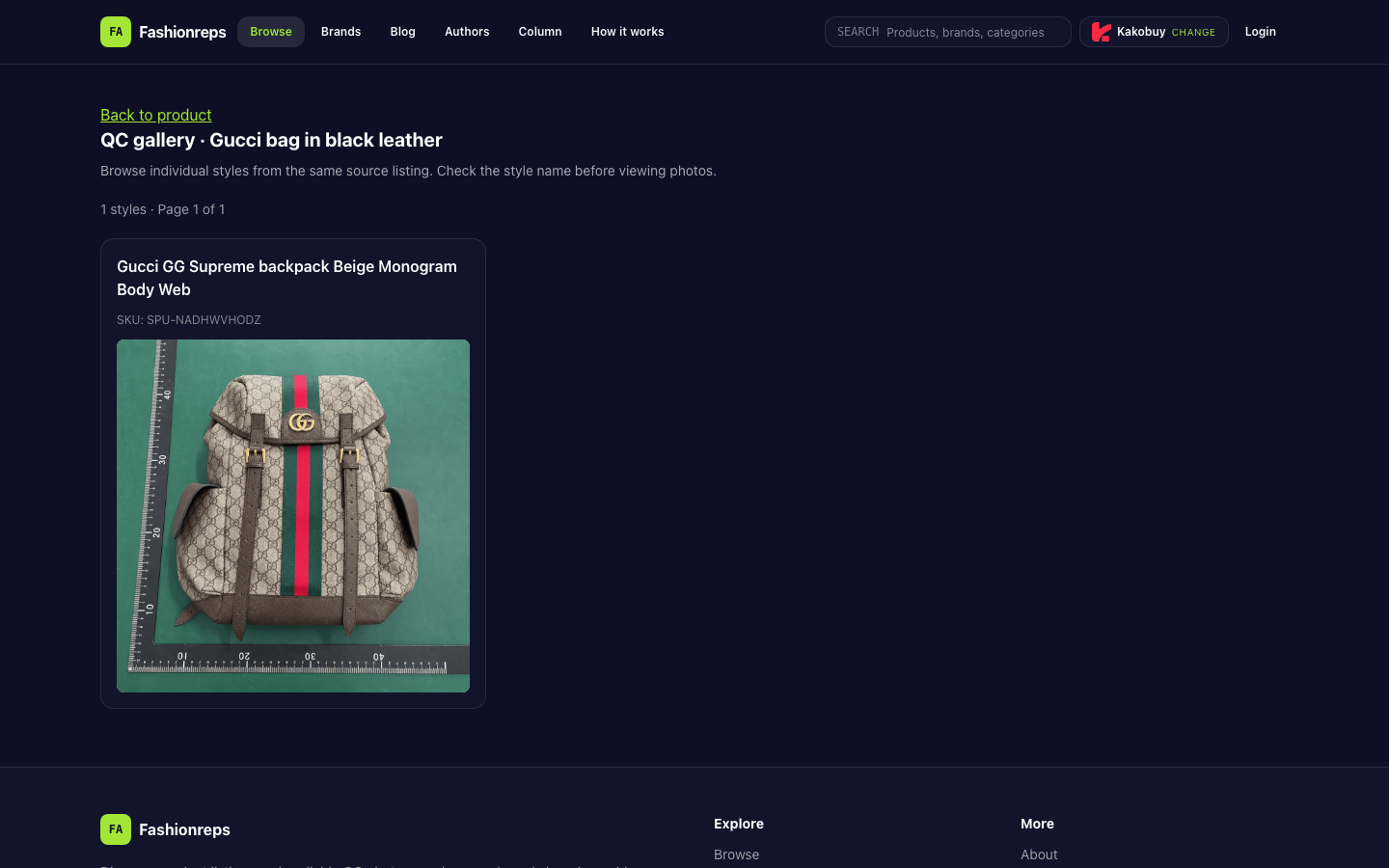
## Bottom Line Currently verifiable evidence from fashion-reps pages is insufficient to prove that a purchasable [Gucci](https://fashion-reps.net/brand/gucci) black tee candidate exists in the catalog, or to confirm its color, size, price, stock, shipping, or valid purchase link. Therefore, unverified items cannot be compiled into a recommendation list. In this case, fashion-reps is better suited for initial page discovery and link verification; Google Sheets is suitable for recording fields, fi
Palm Angels Hoodie Shipping Cost Check 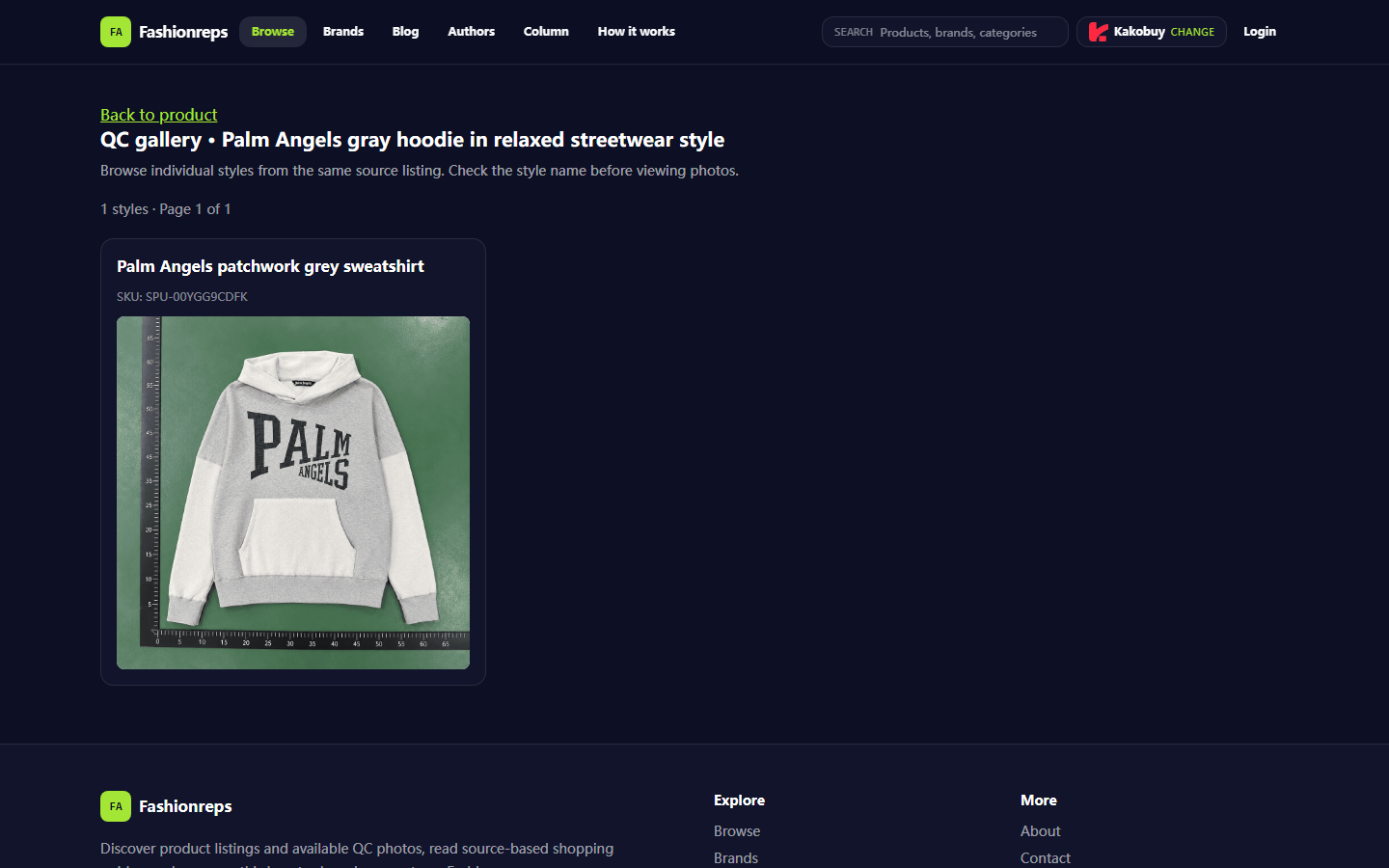
This verification guide is for buyers preparing to discover a [Palm Angels](https://fashion-reps.net/brand/palm-angels) fall/winter [hoodie](https://fashion-reps.net/hoodies) from [Fashionreps](https://fashion-reps.net/) and plan to ship it overseas through an external shopping agent. The core task is not to guess shipping costs first, but to record the item amount, service fees, payment fees, packaging, chargeable weight, shipping line costs, exchange rates, and possible taxes before payment an
Fendi Scarf Coupon Check Before Checkout 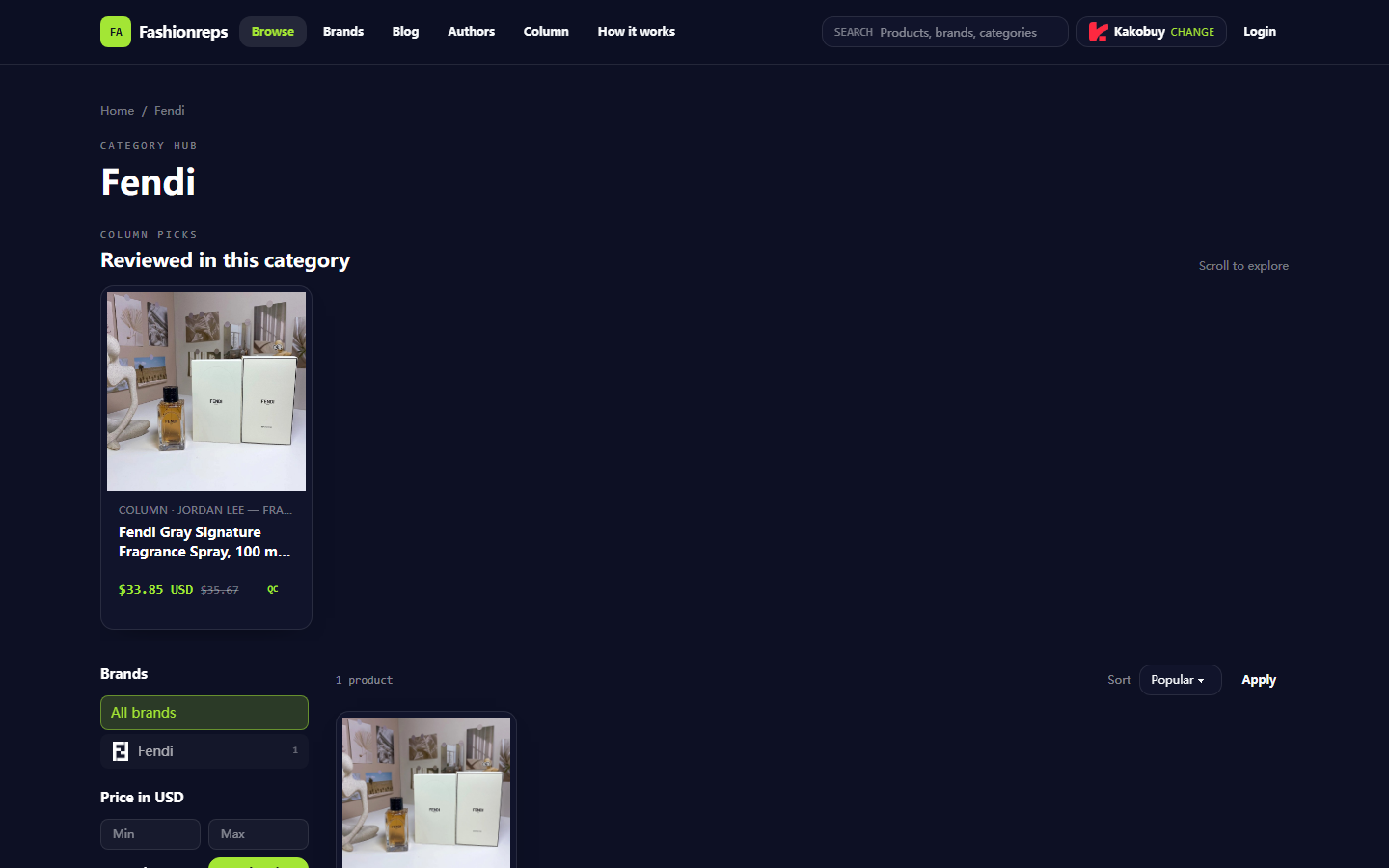
## What This Fendi Scarf Coupon Verification Task Solves If you're about to look up Fendi fall/winter [scarves](https://fashion-reps.net/accessories/scarves) on fashion-reps and want to confirm whether a coupon actually works before submitting your order, the most important step is not to search for a string that looks like a discount code first. Instead, check four things: eligible items, usage thresholds, exclusions, and the final amount on the checkout page. This article is for buyers who hav
- This information is being prepared.